

Your playlists, beautifully on the big screen.
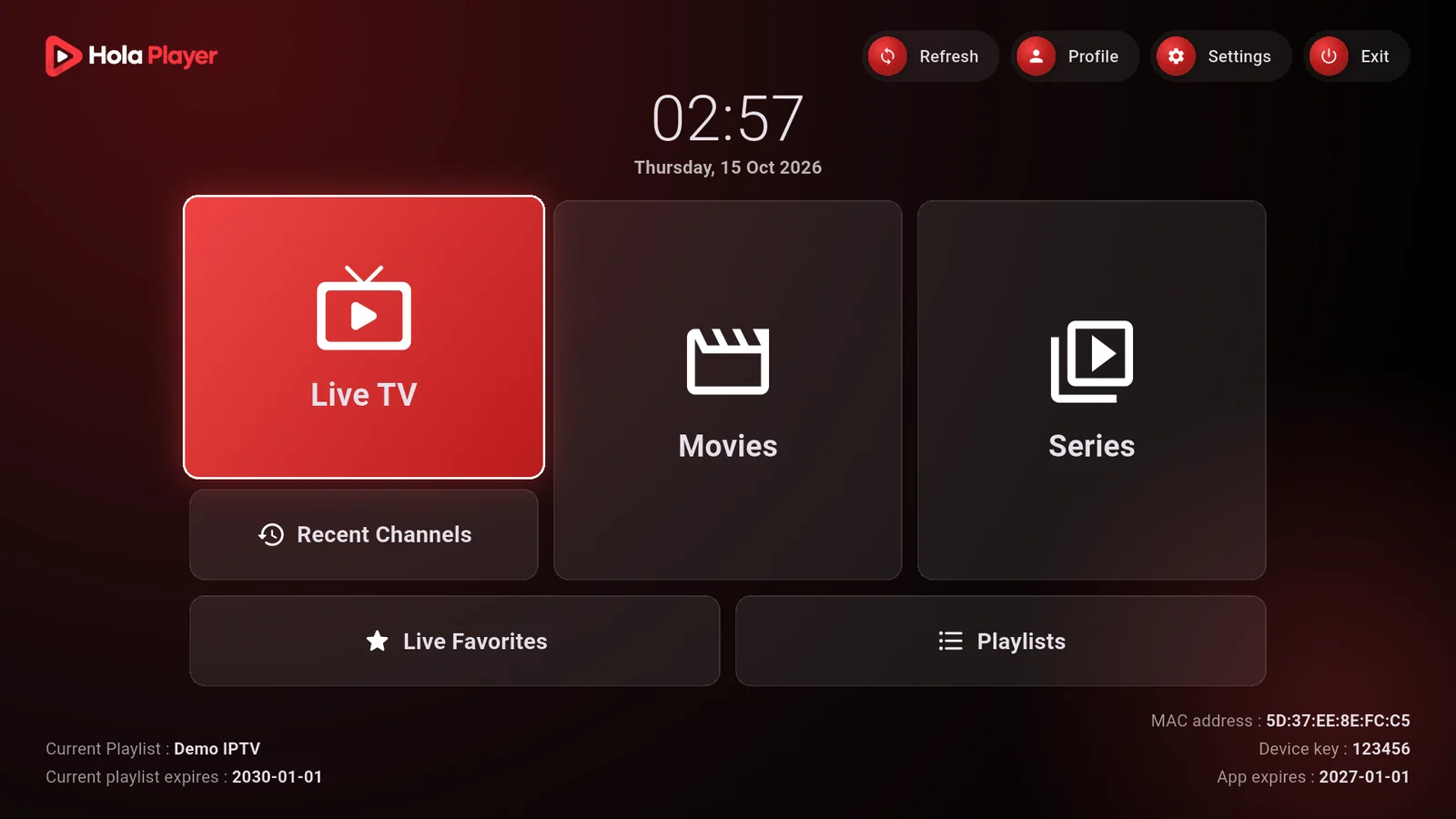
Hola Player is a fast media player for Android TV and Samsung. Add your own playlist from your phone, press Reload, and watch live TV, movies and series made for the remote.
- Live TV
- Movies
- Series
- Program guide
- Favorites
- Subtitles
- English
- Français
- العربية
Watch Hola Player with these compatible streaming devices





Built for the remote, not the mouse.
Big tiles, short paths, and a guide that is one press away. Everything is made to be used from the couch.
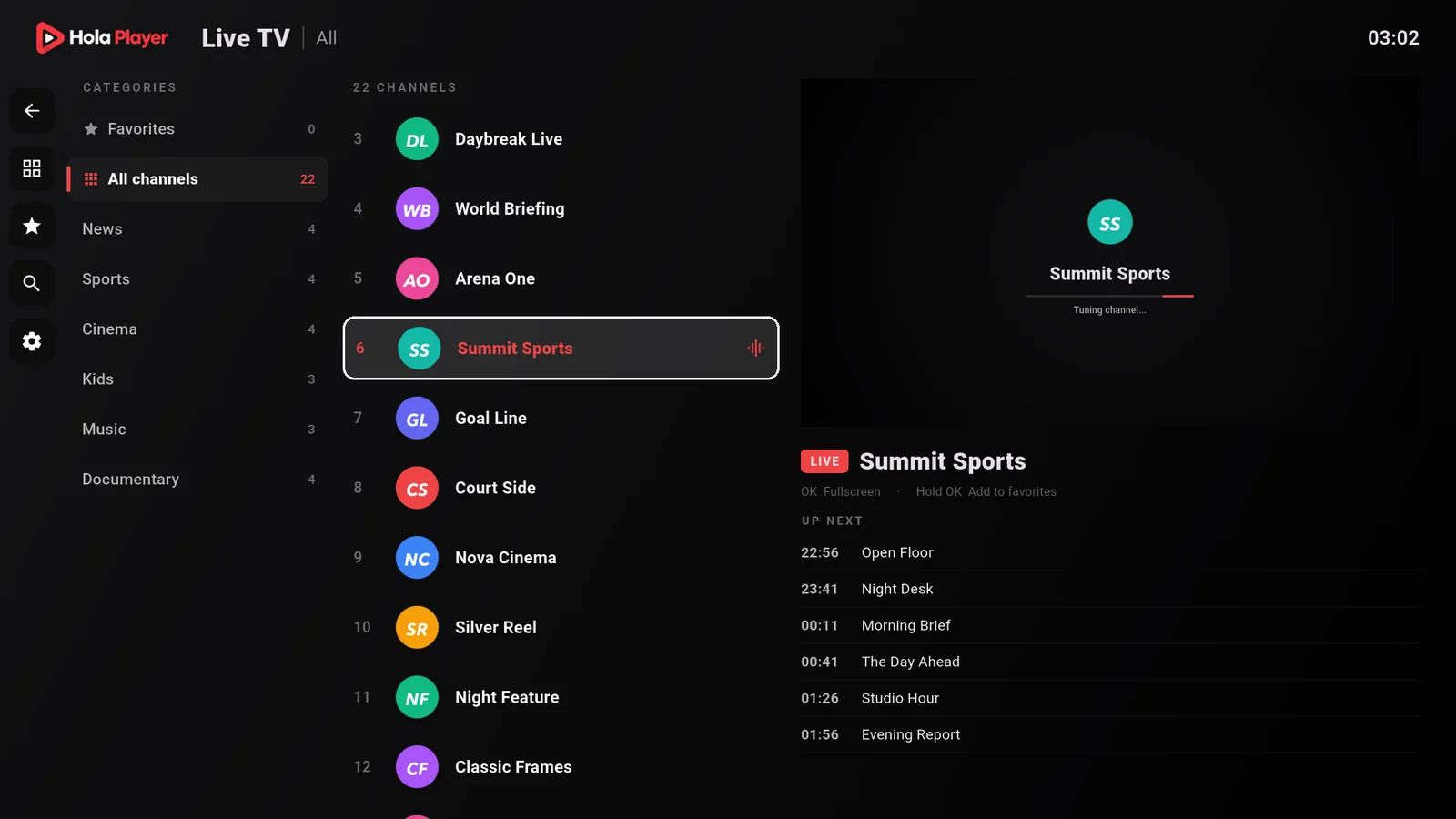
Live TV with a guide
Categories, a channel list, and what is on now and next.
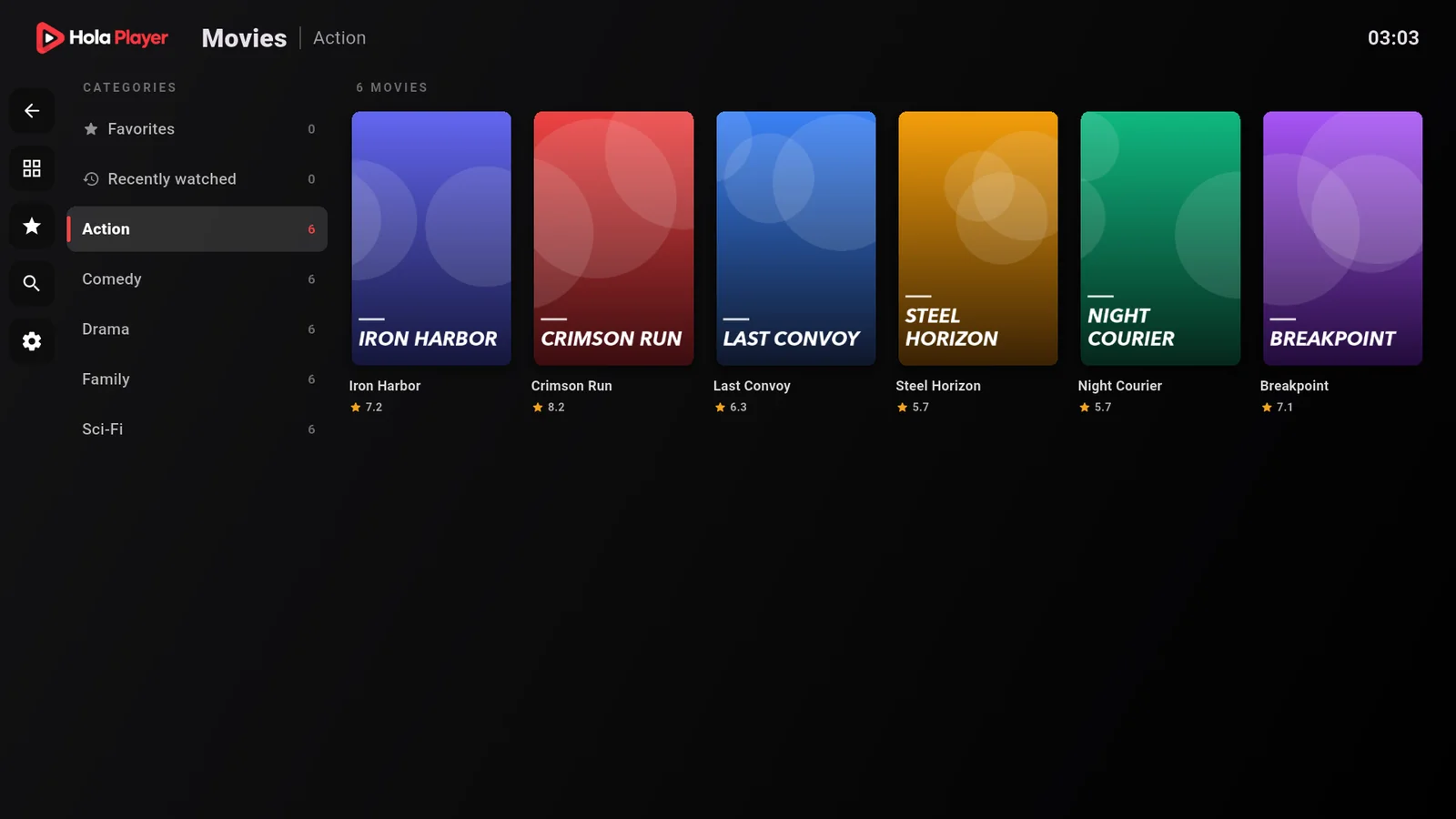
Movies and series
Posters by category, remembered on the TV so they open instantly.
Set up from your phone
No typing long addresses with a remote. Sign in on this website with your MAC address and key, then add an Xtream login or an M3U link.
Manage playlists
Manage your playlists
Sign in with the MAC address and key shown on your TV.
From sign-in to watching in three steps.
Open the app
Your TV shows a MAC address and a six-digit key. That is your login.
Add your playlist
Enter them on this website, then paste an Xtream login or an M3U link.
Press Reload
Channels, movies and series appear on the TV. Nothing to type with the remote.
Simple pricing.
Pay once per TV. Every new TV starts with 15 free days.
 Hola Player for Android TV and Samsung
€29.99
per year · Pay once a year.
Free for 15 days first
Every new TV starts with a free trial. No card needed.
- Renew any time, your days add up
- Live TV, movies and series
- Xtream and M3U playlists
- Manage playlists from your phone
- English, French and Arabic
- One license per TV
Questions.
Does Hola Player include channels or playlists?
No. Hola Player is only a media player. You add a playlist that you already have the right to use.
Where do I find my MAC address and device key?
Open Hola Player on your TV. The first screen shows both. The device key is 6 digits.
How do I add a playlist?
Sign in on this website with the MAC address and device key, press Add Playlist, and fill in your Xtream login or M3U link. Then press Reload on the TV.
What happens after the free trial?
The app stops loading playlists when the 15 days end. Choose 1 year or Lifetime on the Activation page and it starts again at once.
I changed my TV. Can I keep my access?
Contact support with your MAC address. We can link your access to the new TV.
My playlist does not load.
Check the address, username and password with your provider, then press Reload on the TV. If it still fails, contact support.